Build your own marketplace from scratch using Medusa
In the last part, we were able to customize the behavior of products on our marketplace, so vendors/users can now create products specific to their store and, of course, see only their own products.
In this part, we will extend ShippingOption to make them relevant to a store. In fact, each vendor must be able to input its own shipping options, giving the customer choices for each vendors.We’ll also extend the behavior of ShippingProfile to link them to a store too, because the shopping cart currently allows for multiple shipping methods, but the current implementation only allows for one per shipping profile, so we’ll create one by default for each store, allowing for multiple shipping methods for a single cart.
Note that shipping profiles are supposed to be created by admins in the current version (1.2x.x).
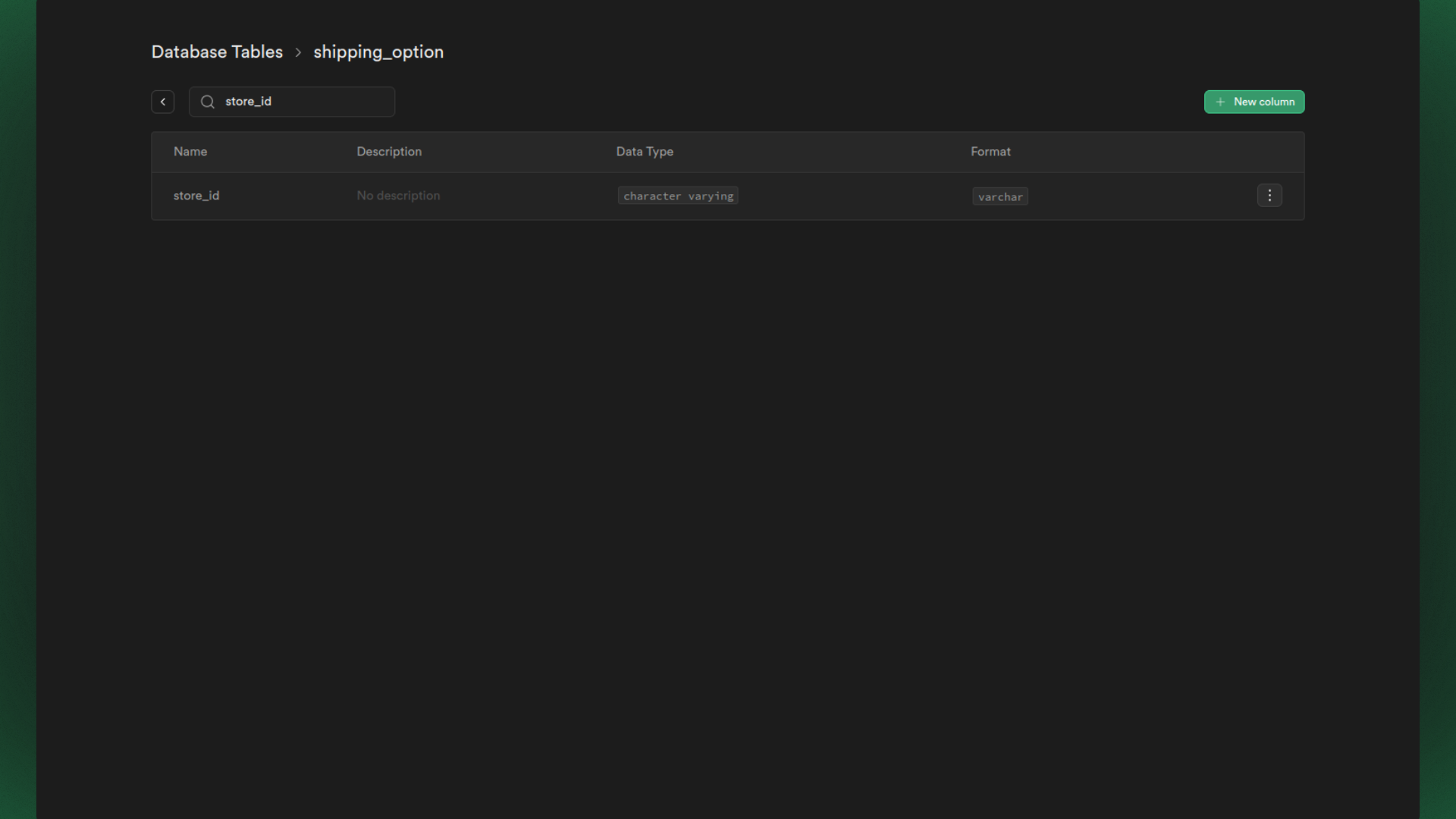
// ...public async up(queryRunner: QueryRunner): Promise<void> { await queryRunner.query(`ALTER TABLE "shipping_option" ADD "store_id" character varying`) await queryRunner.query(`CREATE INDEX "ShippingOptionStoreId" ON "shipping_option" ("store_id")`)}public async down(queryRunner: QueryRunner): Promise<void> { await queryRunner.query(`DROP INDEX "public"."ShippingOptionStoreId"`) await queryRunner.query(`ALTER TABLE "shipping_option" DROP COLUMN "store_id"`)}// ...
You can now build your server using the yarn build command and then run the npx medusa migrations run command, as for our previous migrations to make the changes in your database :
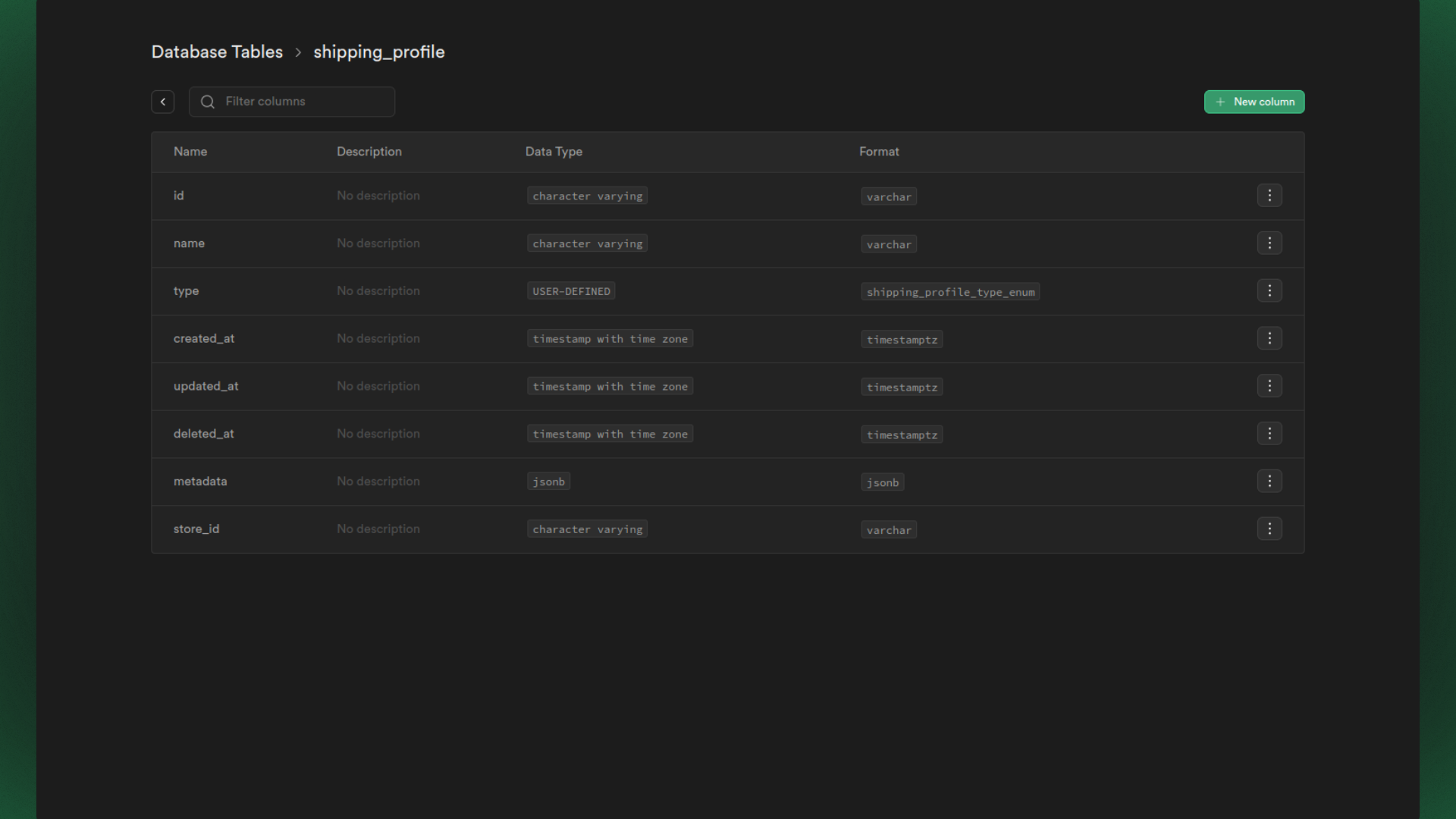
Once the ShippingOption entity has been fully extended, we also need to extend the ShippingProfile entity, almost like copying and pasting what we’ve done above.In the same way :
src/models/shipping-profile.ts
import { Column, Entity, Index, JoinColumn, ManyToOne } from 'typeorm'import { ShippingProfile as MedusaShippingProfile } from '@medusajs/medusa'import { Store } from './store'@Entity()export class ShippingProfile extends MedusaShippingProfile { @Index('ShippingProfileStoreId') @Column({ nullable: true }) store_id?: string @ManyToOne(() => Store, (store) => store.shippingProfiles) @JoinColumn({ name: 'store_id', referencedColumnName: 'id' }) store?: Store}
Next, we’ll look at the two services: ShippingProfileService and ShippingOptionService, and how/what we can override some of their functions. We’ll use the same reasoning as the ProductService, where we made sure to fetch only the products associated with a Store or tie a new product to a specific store.
Support my work
Your support helps me dedicate more time to creating high-quality content and building tools that benefit the community.
Extend the Shipping Services
This is the next chapter of this series, where we’ll learn how to extend the Shipping Services.